Setting Language Label for Data Collection Name
You can define Data Collection names in the language of your choice (for languages supported in Enact) from the Data Collection Configuration window.
- SelectAccess Menuand then selectData Collection| Date Collection Configurations. The Data Collection Configurations window appears.

-
Select Language Label beside the data collection name that you wish to update. The Language Label window appears.
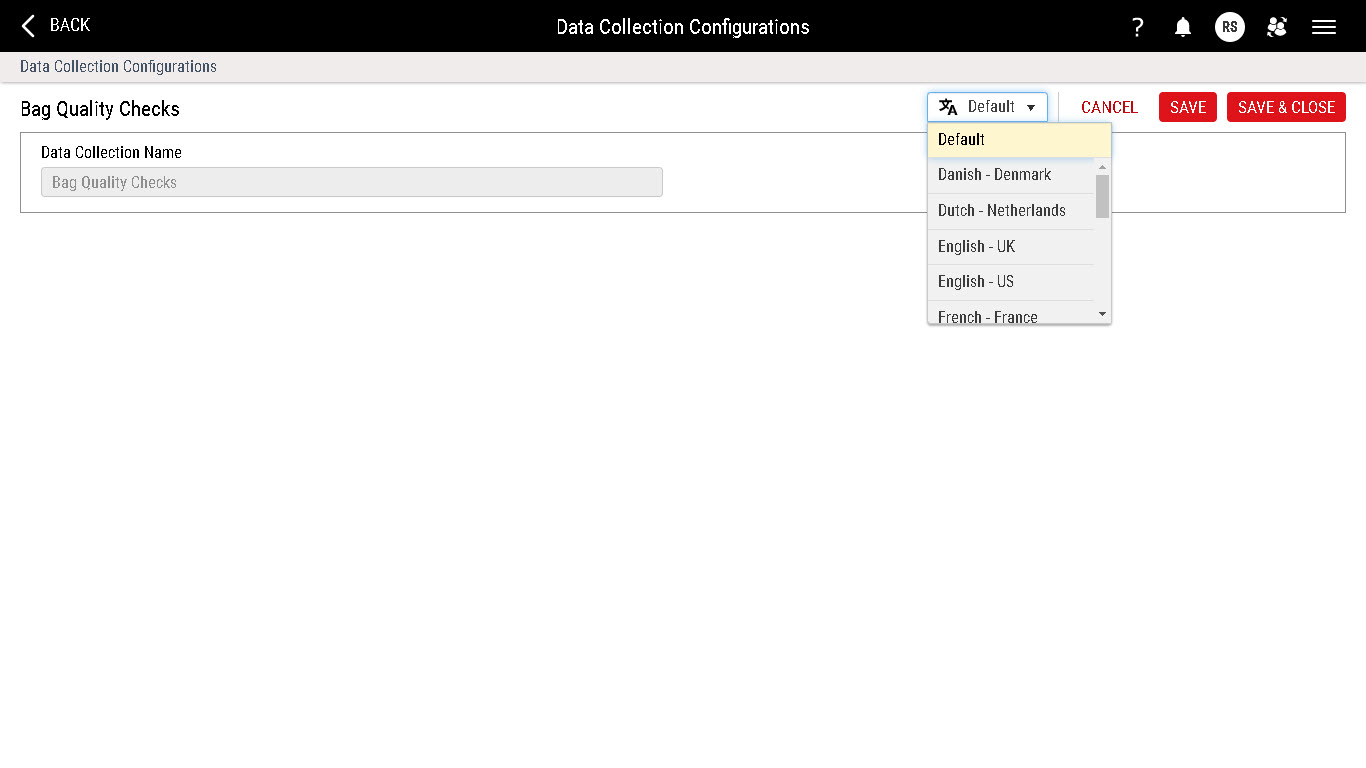

You can now set the language label for the Data Collection name. For more information, see Creating Language Labels (Data Collection Configurations).